Prompting
“Make her do a cool dance, kind of like that one on TikTok.”
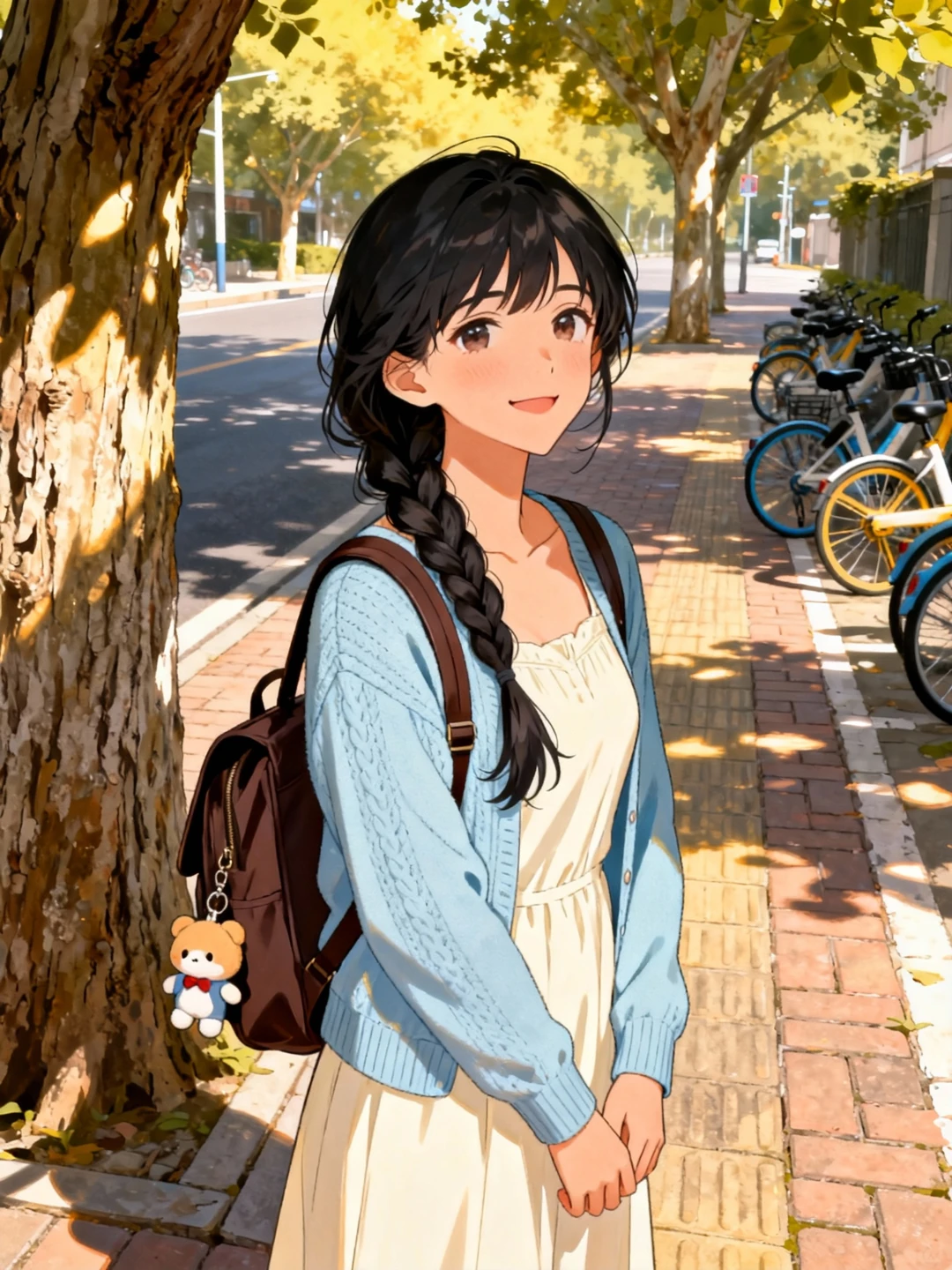
Upload a character and a clip of the move you want. Your character performs it step for step, with the same gestures and timing.
Examples
Each video below started as one character image and one motion clip. Open one to watch it large, or start from the same pair.
Use cases
Pick a kind of character to see what it looks like.
Why Motion Control
Prompting
“Make her do a cool dance, kind of like that one on TikTok.”
Motion Control
Upload the clip. Your character does exactly that.
Get great results
Most disappointing videos come down to the inputs. Check these before you spend credits.
Works best
Avoid
Works best
Avoid
Subscribe if you create regularly, or top up with a credit pack. Every video costs credits per second of motion, and you see the total before you generate.
Basic
For trying ideas and finding your style
Best value
Creator
For creators posting every week
Pro
For daily posting and client work
FAQ
Inputs, length, credits and privacy.
Still have questions? Contact support@encorist.com.
Motion control is AI that copies movement from a reference video onto a character image. You upload one character and one motion clip, and get a new video where your character performs the same dance, gesture or action.
One character, full body or waist-up, facing the front or at a three-quarter angle. Keep the face clear and the hands in frame, and leave some space around the figure on a simple background.
One real person, filmed with a steady camera in one continuous shot. Match the framing of your character image: full body with full body, waist-up with waist-up. A clip of 5–8 seconds is a good start.
3–30 seconds with "Follow the clip" framing, and up to 10 seconds with "Keep my image". You pay credits per second of the motion clip, and see the total before you generate.
Yes. Realistic, anime, 3D, game, mascot and cartoon characters all work, and so do pets. For pets, a clear full-body photo and simple moves work best.
If a generation fails on our side or at the model provider, its credits go back to your balance automatically. A video that finishes counts as used, so check your inputs against the tips above first.
Your uploads and results are only visible in your account, and we don't use them to train AI models. Uploads and finished videos are deleted after 30 days, so download the ones you want to keep. Details are in our Privacy Policy.
Yes, as long as you have the rights to what you upload: the character image, the motion clip and any real person who appears in them. We claim no ownership of your videos. Using someone else's characters, footage or likeness without permission is not allowed. See our Terms of Service and Acceptable Use Policy.
Monthly plan credits expire at the end of the billing period. Yearly plans grant the full year of credits at purchase, valid for one year. Credit packs last 180 days. A first purchase can be refunded within 7 days if no credits were used; see the Refund Policy for details.
Your first video is a photo and a clip away.